Burger Texture cursor
418Free
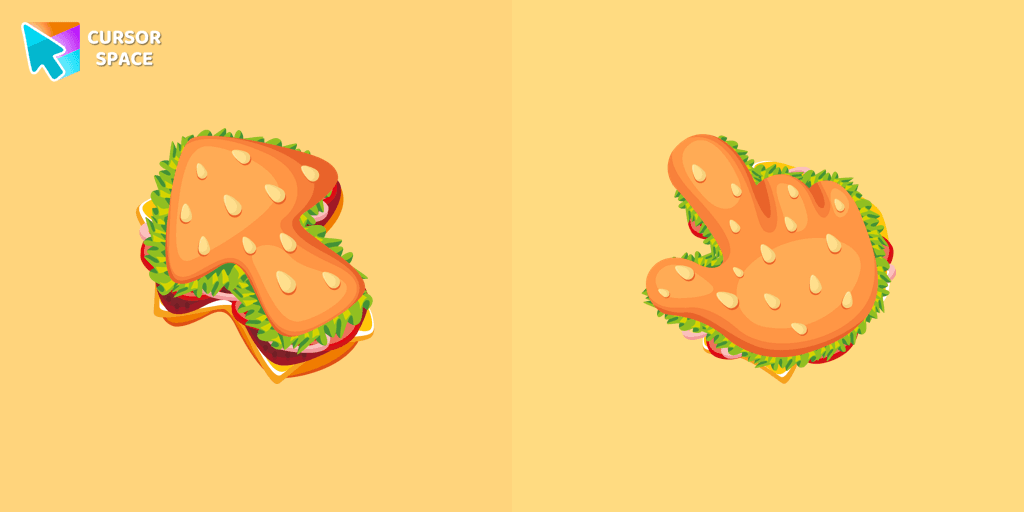
The Burger Texture cursor is a distinctive and entertaining option for Chrome users who enjoy personalizing their browsing experience with custom cursors.
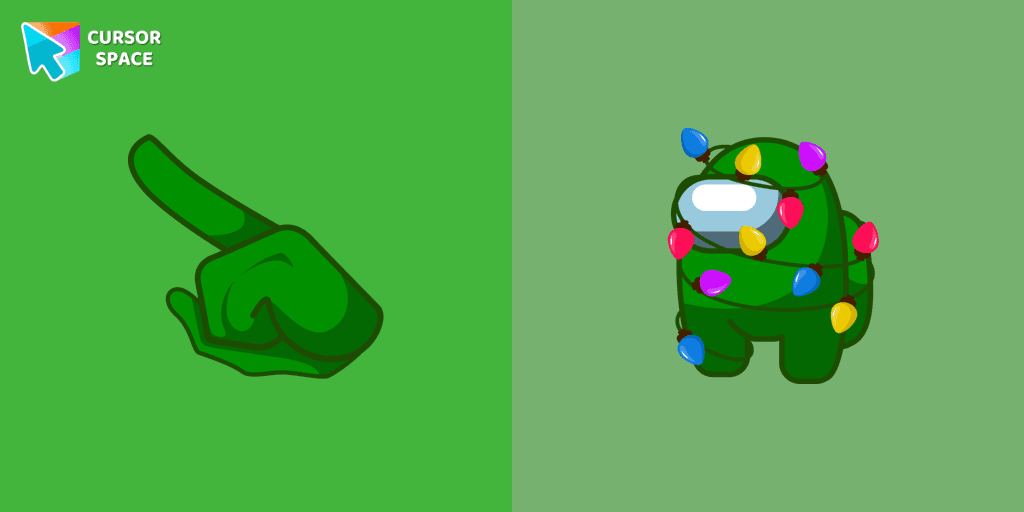
Get ready to deck the halls and spread holiday cheer with the Among Us Christmas Tree Cursor! This custom cursor combines the popular game Among Us with the beloved symbol of the holiday season, the Christmas tree, creating a fun and festive experience for users.
The Among Us Christmas Tree Cursor is all about embracing the spirit of the season and immersing yourself in the joy of the holidays. With its vibrant green color, flickering lights, and adorned with Among Us characters, this cursor instantly brings a sense of merriment and festivity to your computer screen. The merging of the Christmas tree and Among Us creates a unique and playful cursor that will add a touch of holiday magic to your daily computer usage.
Installing the Among Us Christmas Tree Cursor is quick and easy. With just a few simple steps, you can replace your standard cursor with this cheerful creation. Personalize your computer experience while showcasing your love for Among Us and your enthusiasm for the festive season.
Install the Cursor Space extension for Chrome or Cursor Space for Edge in your browser.
On this page, click "Add this cursor pack to the extension".
Open the extension and go to the Packs tab.
Find the custom cursor pack "Among Us Christmas Tree cursor" and click it.
Enjoy!
Get this cursor pack and thousands of others by installing our extension. It's fast and free!
Among Us Christmas Tree Cursor is a themed cursor pack you can add to your browser to personalize your pointer across common cursor states (default and pointer). Use it for everyday browsing, streaming, studying, or gaming-anywhere you want your cursor to match your vibe.
See how the cursors look before installing.
Add the pack to the extension in a few clicks.
Designed for Chrome and Edge via the extension.
Quick answers to common questions about cursor packs, collections, and installation.
Yes. To apply cursor packs in Chrome or Edge, install the Cursor Space extension and add this pack to it.
Cursor packs are designed for Chromium browsers like Chrome and Microsoft Edge.
Open the extension, choose another pack or disable the current one to return to your default cursor.
Custom cursor and packs - neon, anime, pixel art. Quickly add to Chrome and Microsoft Edge for free
The Burger Texture cursor is a distinctive and entertaining option for Chrome users who enjoy personalizing their browsing experience with custom cursors.

Enjoy a fun browsing experience with the Donut Textures custom cursor. Inspired by American films, this custom cursor for Google Chrome adds sweetness to your screen.

Enhance your desktop with Bibata Modern Classic Cursor - a stylish custom cursor that combines elegant design with classic comfort for everyday use.
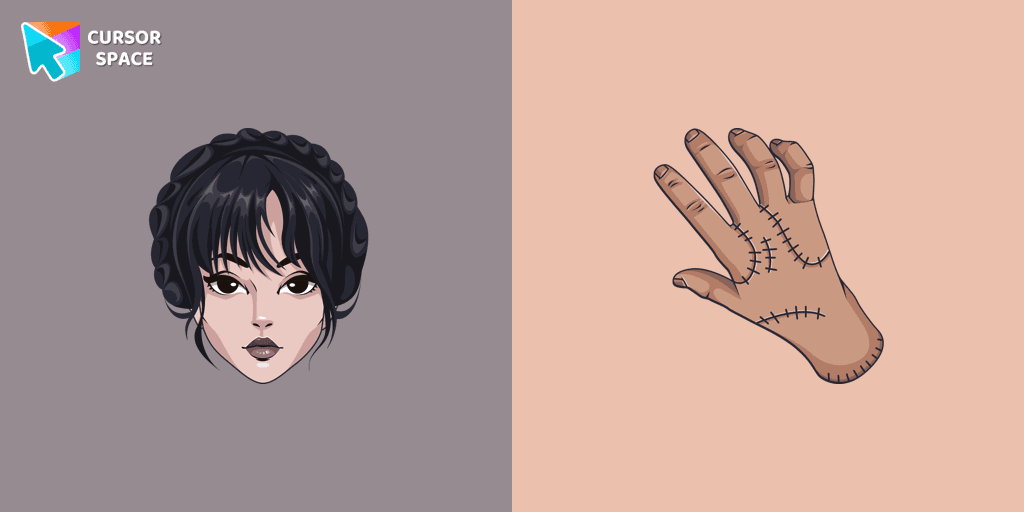
Our The Wishes custom cursors collection for Chrome has been expanded with yet another beautiful custom cursor with Wednesday Addams.
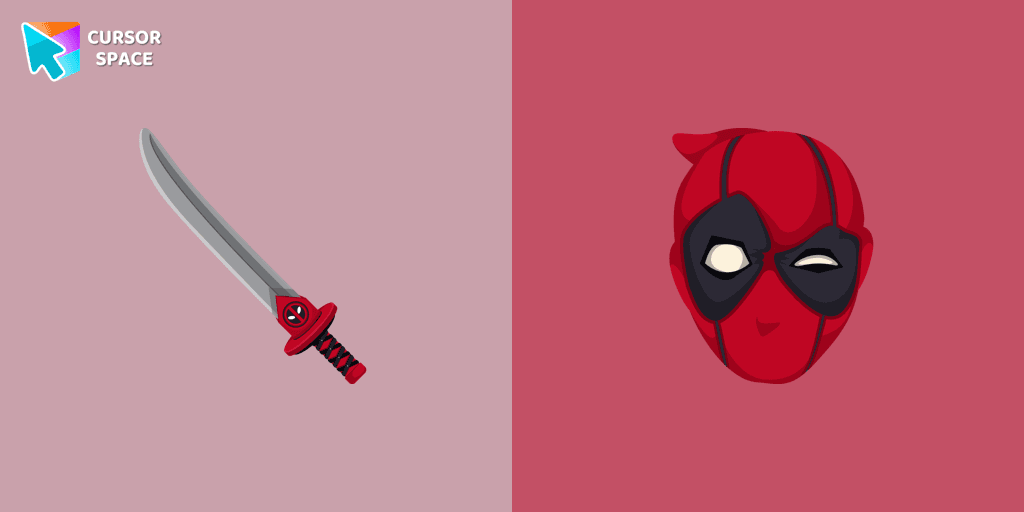
Transform your browsing with Deadpool's custom cursor for Google Chrome. This unique, cute mouse and pointer cursor adds style and fun to your screen.
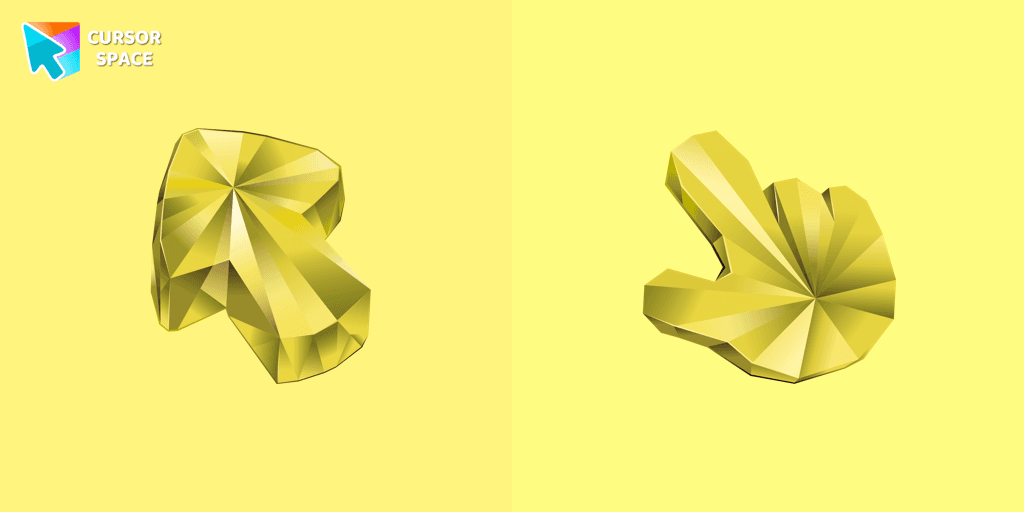
Enhance your browsing with a custom cursor for Google Chrome featuring the timeless elegance of yellow sapphire. Add sophistication and style to your screen today.
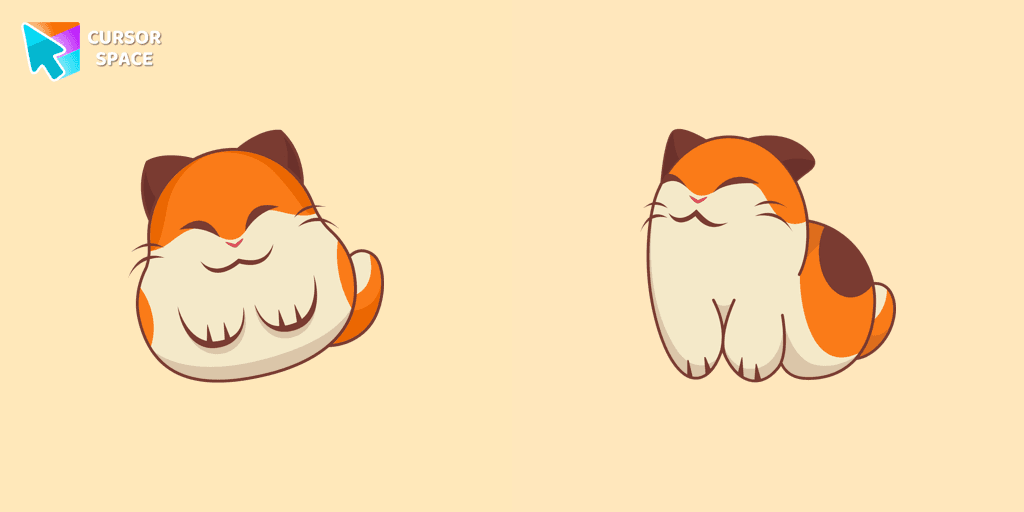
Nago, one of Kirby's animal friends, is a round and plump Japanese Bobtail. Originally designed for the game,
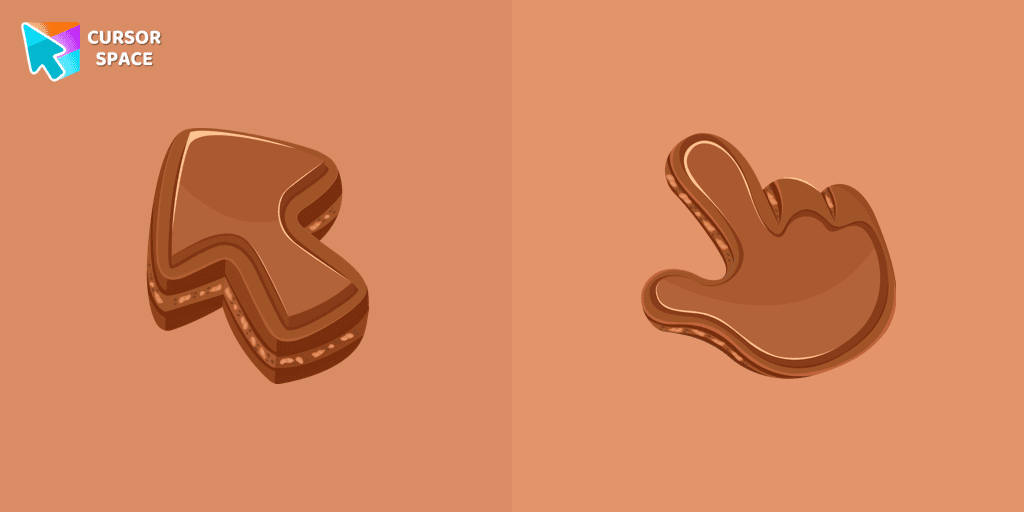
Indulge your senses with our Chocolate Texture custom cursor for Google Chrome, adding sweetness and delight to your everyday browsing experience.
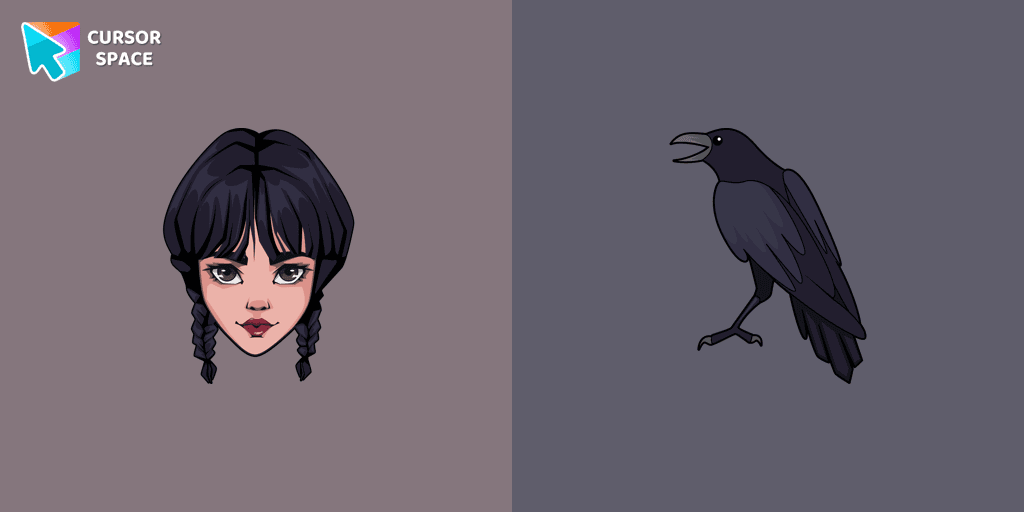
Wednesday custom cursor for a mouse is good fan art to decorate your browsing.

Elevate your Chrome experience with The Skeleton custom cursor—its spooky, standout design transforms your browsing and turns heads instantly!

Our Genshin Impact custom cursors collection for Chrome will allow you to use the Tartaglia character as a custom cursor for the mouse and pointer.

Enhance your browsing with the Ruby Stone Texture custom cursor. This stylish custom cursor for Google Chrome adds a touch of luxury and elegance to your screen.
Installation leaders from "Among Us cursors": free packs, neon/anime/pixel art, quick add to Chrome and Edge.
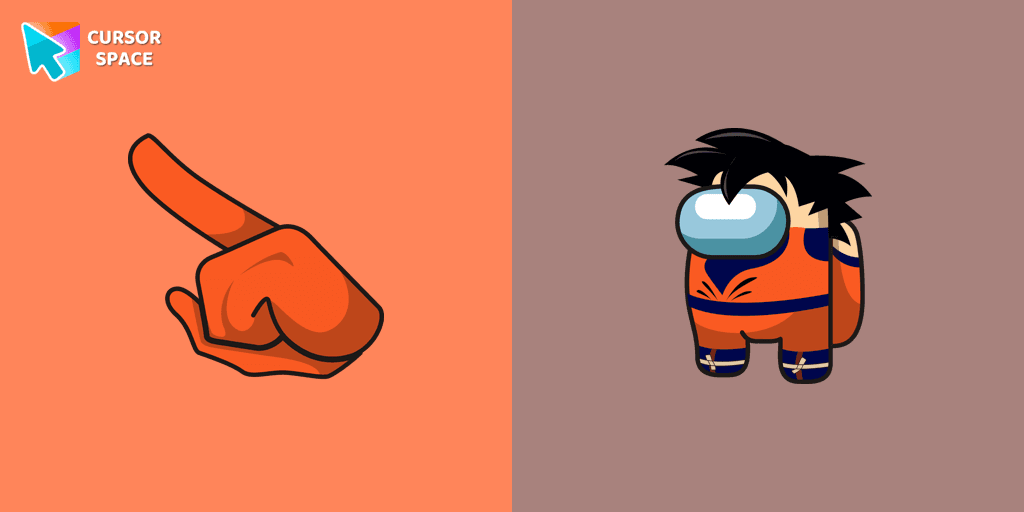
The Among Us Son Goku Character cursor is an exciting addition to the browser cursor collection.
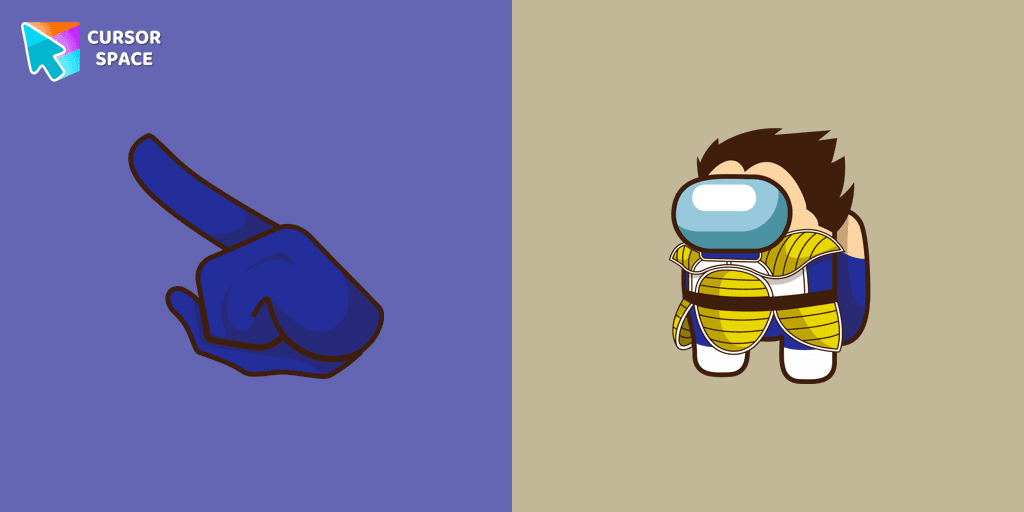
Add a dynamic touch to your browsing with the Among Us Vegeta custom cursor for Google Chrome. Perfect for Dragon Ball and Among Us fans!

Introducing the Cute Among Us Kakashi Hatake Character Cursor: A Perfect Blend of Two Favorites!
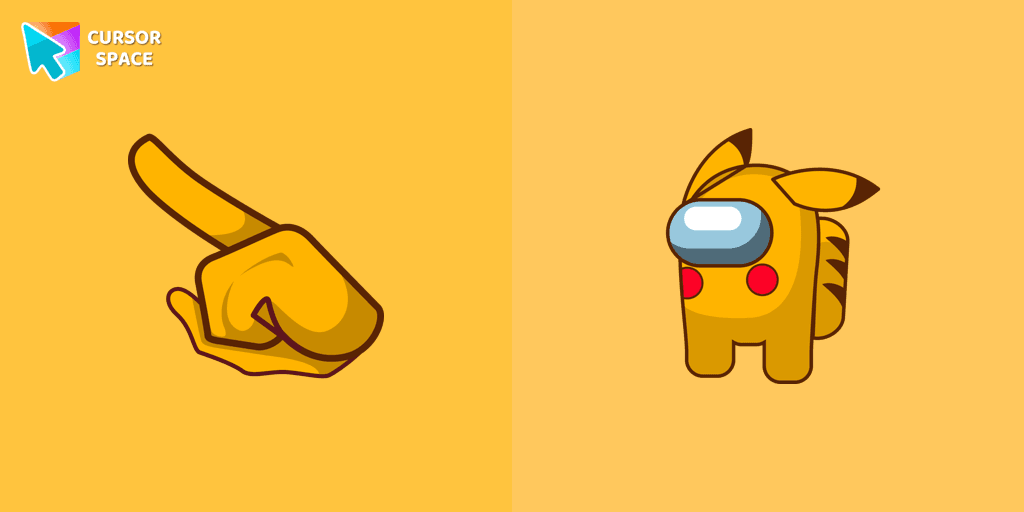
Add a touch of fun to your browsing with a custom cursor for Google Chrome featuring vibrant orange Pokémon characters like Charmander and Infernape.

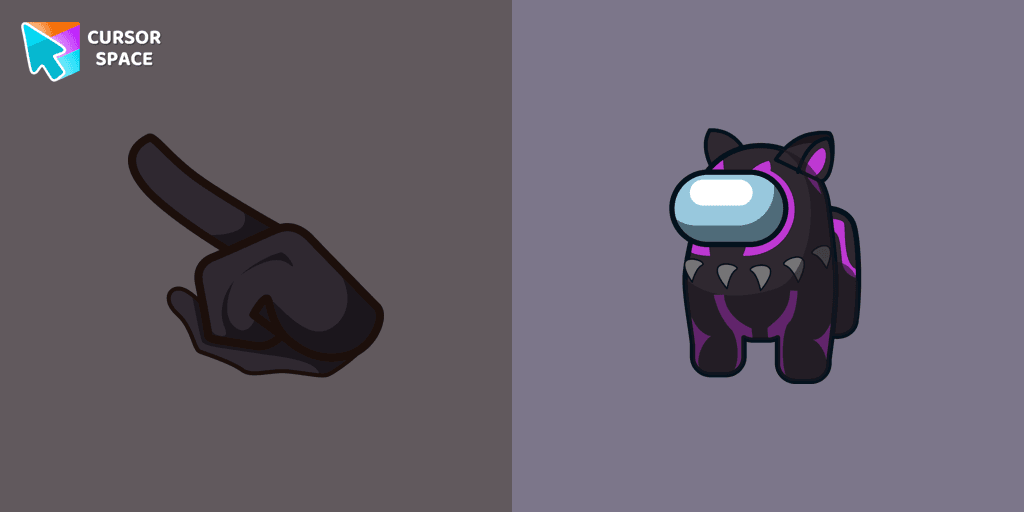
The Black Panther character cursor has become a highly sought-after customization option in Among Us.
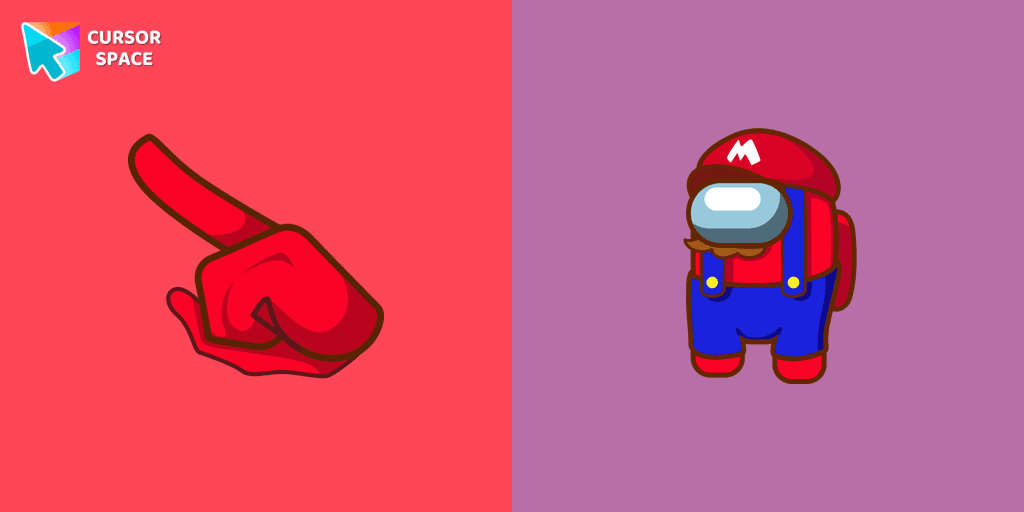
In the vast array of cursors available, let's not overlook the vibrant red Super Mario characters.

Enter the World of Dragon Ball with the Among Us Son Goku Character Cursor

Among Us Baby Yoda Character Cursor - Unleashing the Cuteness and Mischief in Outer Space

Swing into Action with the Among Us Spider-Man Character Cursor
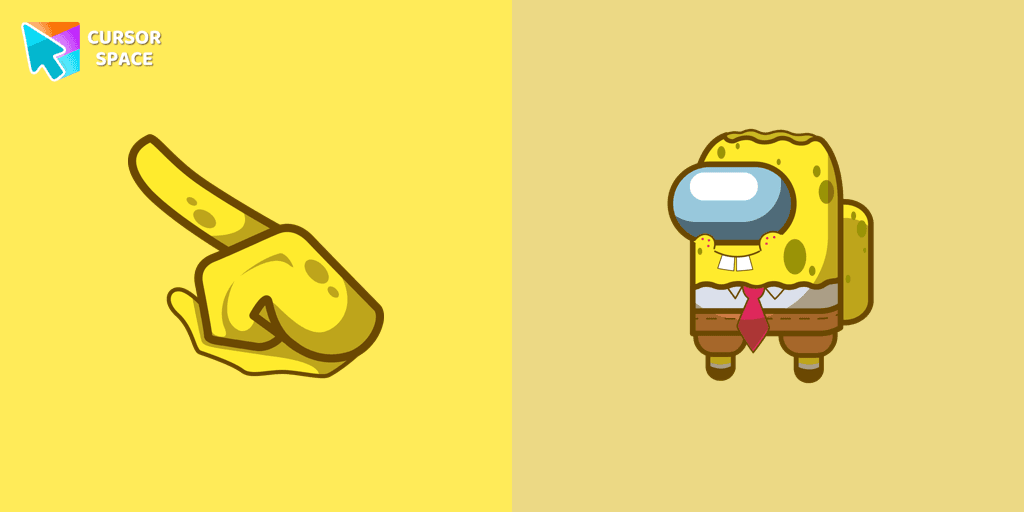
Our collection of custom cursors for Chrome now features the Among Us Spongebob Character cursor.
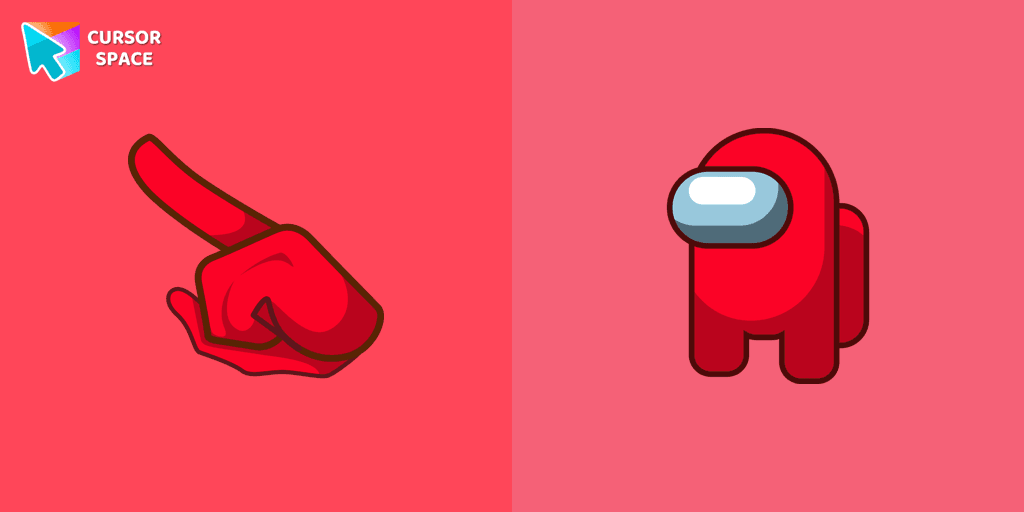
Among Us players have the option to select from a variety of colors to customize their in-game characters. In fact, there are 18 different hues available for selection in the game lobby.
Add packs instantly and unlock access to thousands of cursors: neon, anime, pixel-art, and more. Fast, safe, and free.
Cursor Space is an extension for changing your mouse cursor in Chrome and Edge browsers: themed collections, HiDPI icons, neon, animated, and pixel cursors, with quick installation.